Every client, one workspace

Run all your client sites from one place. Each site keeps its own content model, its own roles and its own domains.

Two colleagues working at a desk, with Client A and Client B workspace cards over them

What an agency gets

  • A project per client

    Every client site is its own project inside your workspace. Content, roles and domains never cross between them.

  • Roles you decide

    Give the client the editor and keep publishing with you. Hand them publishing when the site is theirs to run.

  • Start from a template

    Open a new client site from a template you already trust. Each client keeps its own brand kit for type and colour.

  • Hosting, or not

    Ship the site on managed edge hosting with no ops work. Or keep the site headless where the client already hosts.

  • One place to look

    Analyze shows what every client page is doing. SEO and site search come with the site, not after it.

Your stack. Your rules. Everyone moves faster.

Build

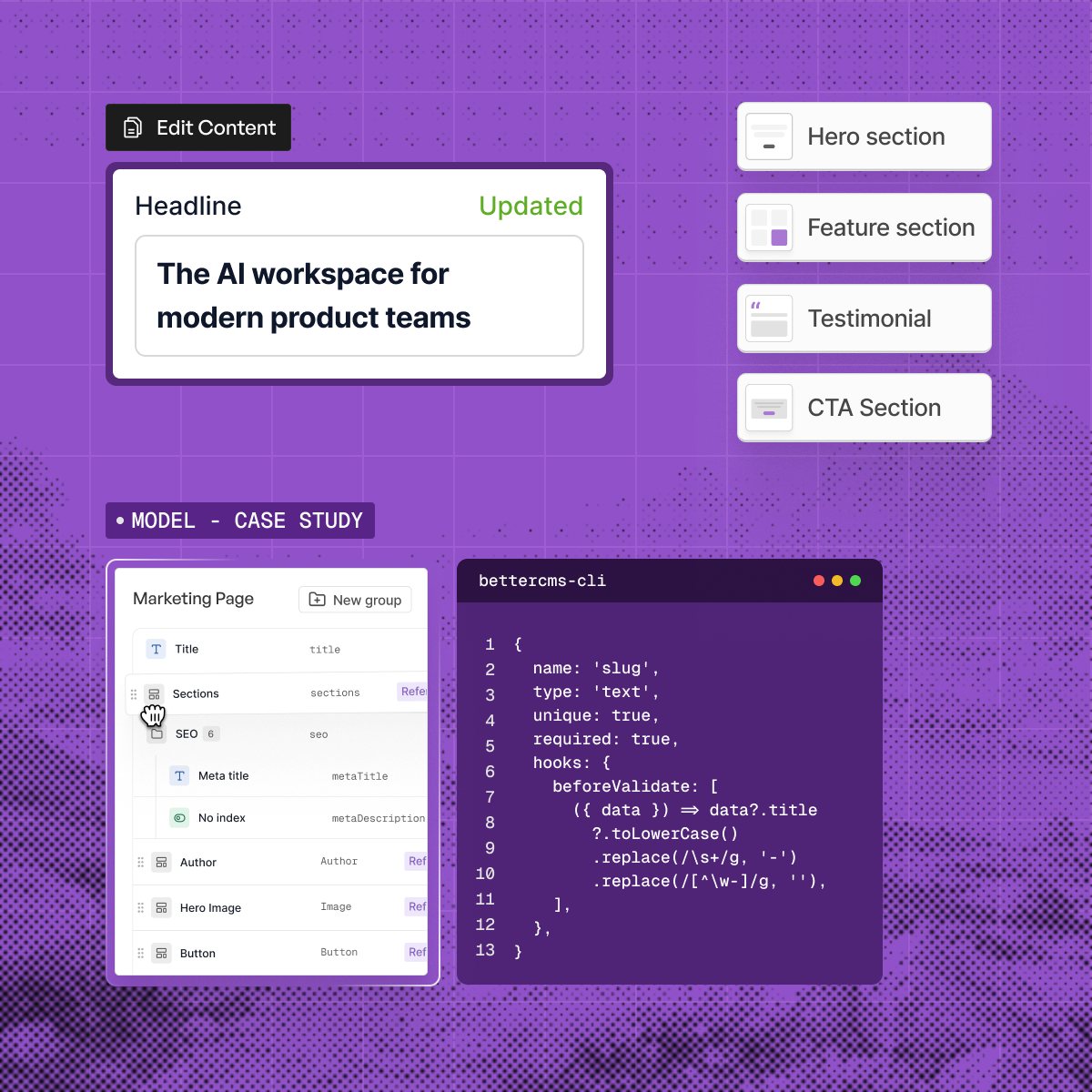
Build experiences without slowing down your team

Create structured content and production-ready pages without waiting on developers for every update.

  • Build pages visually with the Visual Editor
  • Model content with flexible schemas
  • Reuse components across your site
  • Preview changes before they go live
The BetterCMS editor with a headline field updated, a section list and a content model beside a CLI window

AI Agent

Put AI to work across your content workflow

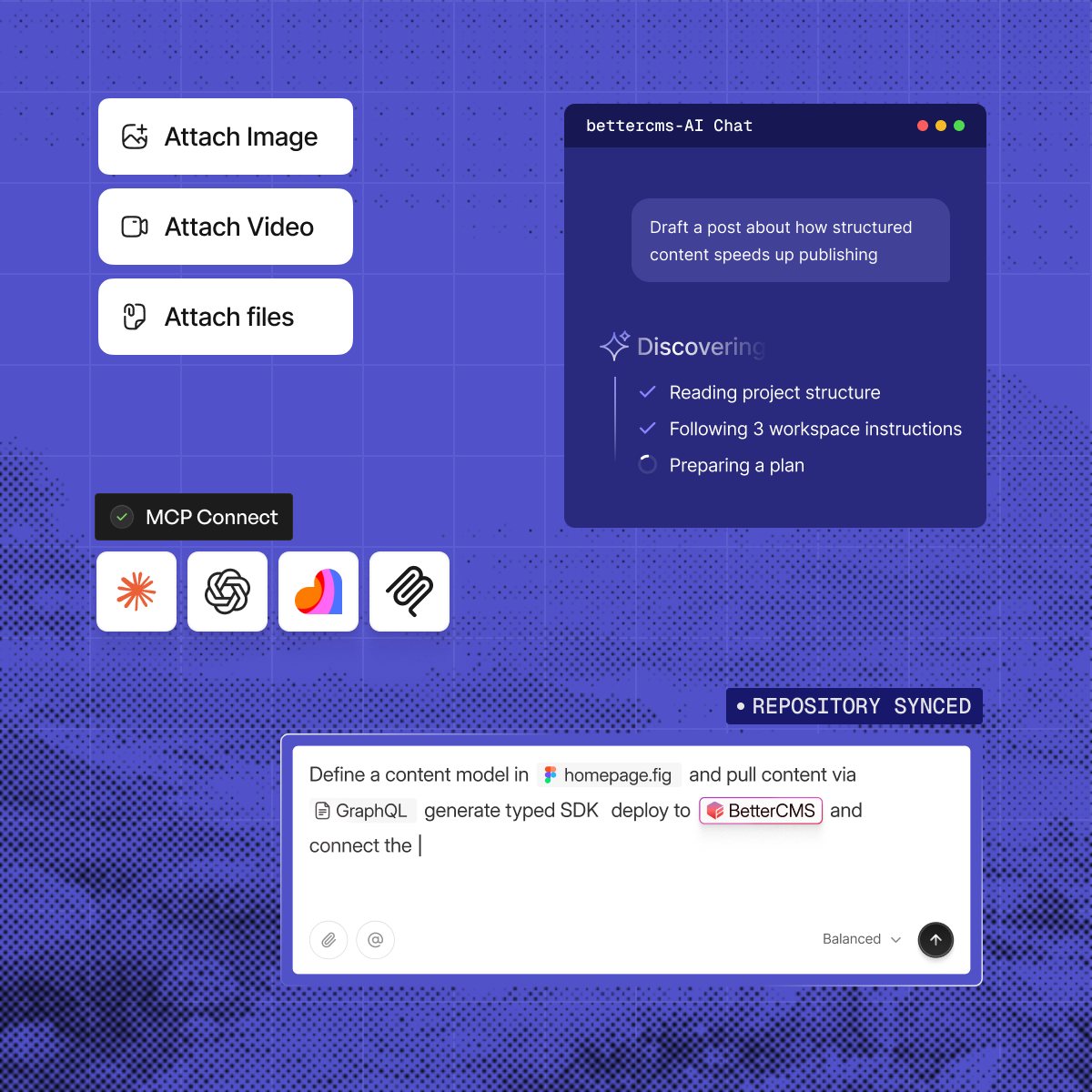
Connect your CMS to the AI tools you already use and let agents handle repetitive content work.

  • Generate content with built-in AI
  • Manage workflows through natural language
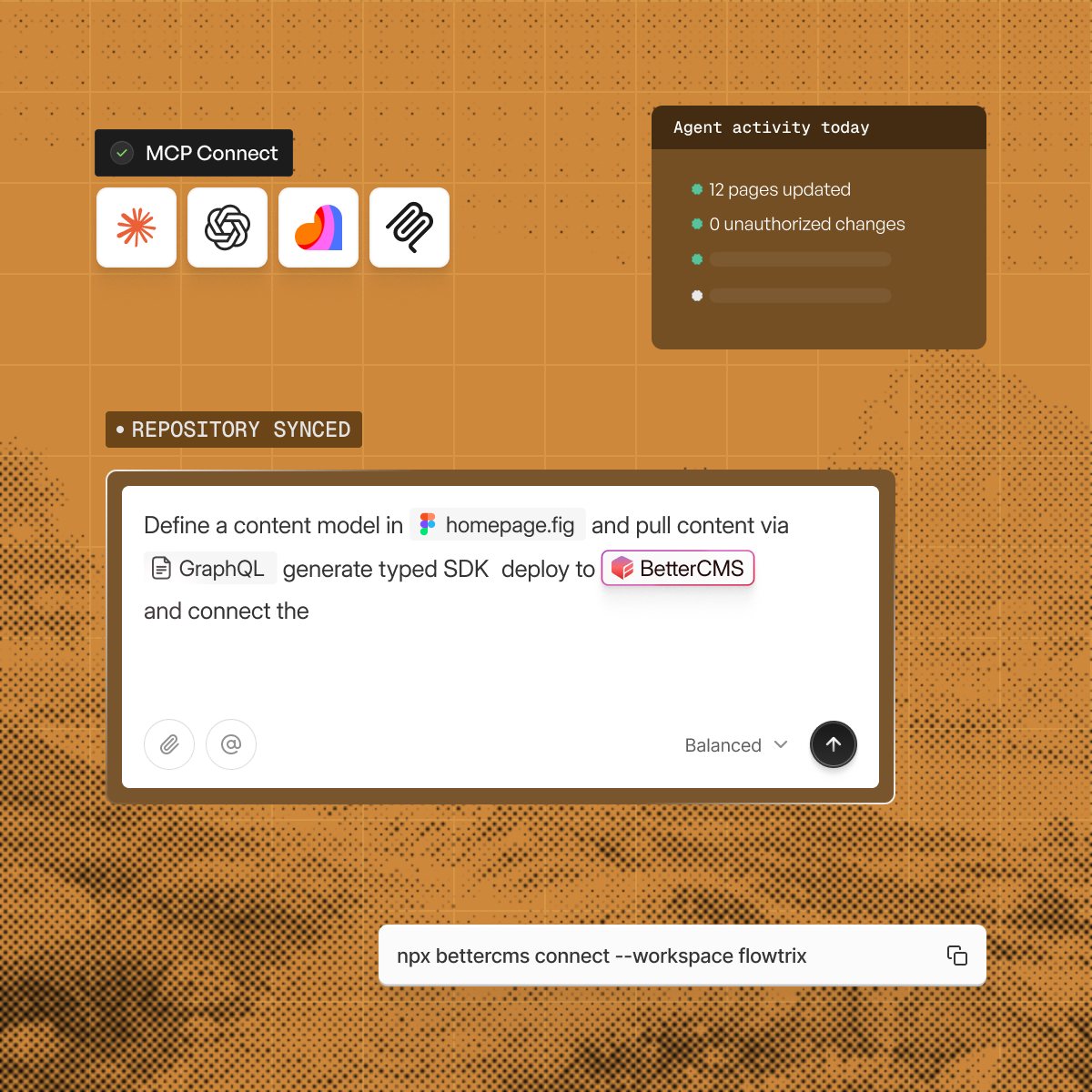
  • Connect Claude, ChatGPT, and Cursor through MCP
  • Deploy AI agents for repetitive CMS tasks
An AI chat panel reading a project and planning work, with MCP connections to four assistants

Optimize

Make every page ready for search and AI

Go beyond traditional SEO. BetterCMS gives your team the tools to make content discoverable across search.

  • Manage metadata and structured data
  • Build schema without touching code
  • Optimize content for AI search and AEO
  • Manage redirects, sitemaps, and canonicals
MCP connections to four assistants beside an agent activity card and a prompt that defines a content model

Scale

Ship faster as your content ecosystem grows

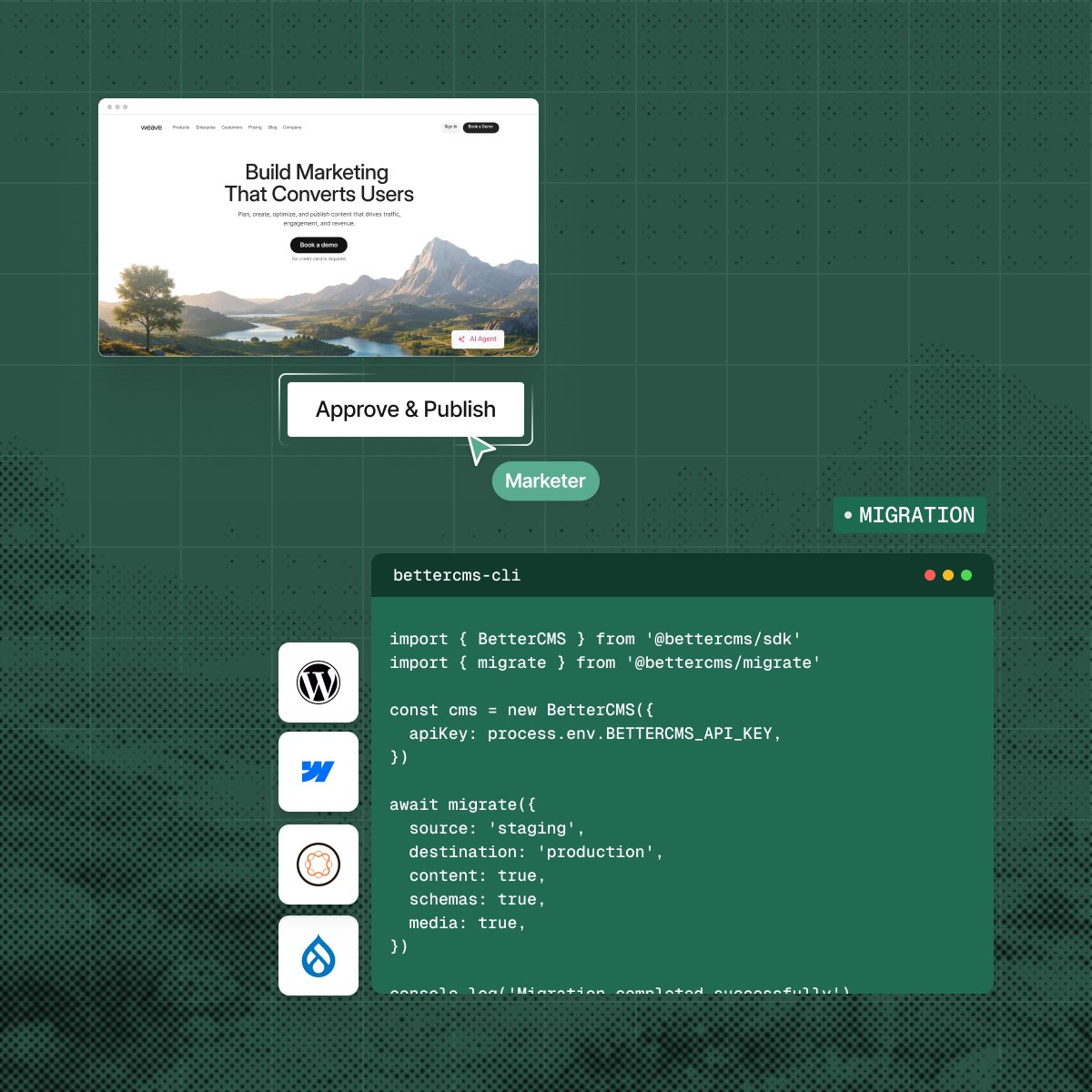
Give marketing and content teams the freedom to move fast while keeping developers in control of the stack.

  • Create and update pages without engineering bottlenecks
  • Manage permissions and workflows at scale
  • Connect your existing frontend and tools
  • Publish across multiple experiences from one CMS
A page waiting for approval beside a migration script that moves content from staging to production

The practical questions.

What teams usually want to know before changing the way they operate their website.

  • Yes. Each client site is its own project, and the component catalog can be shared across them.

  • Yes. A role belongs to the workspace, not to the person, so one account can hold a different role in every workspace it joins.

  • The client keeps the model, the content and the component library. Nothing about the site depends on your agency staying in the project.

  • No. Developers register components once and place them across projects. The brand kit is what differs.

Show a client the editor

Book a walkthrough and bring the site you are pitching this week.