Draft, review and publish

Plan the work, comment on the page and approve it before it ships. Everybody is looking at the same draft.

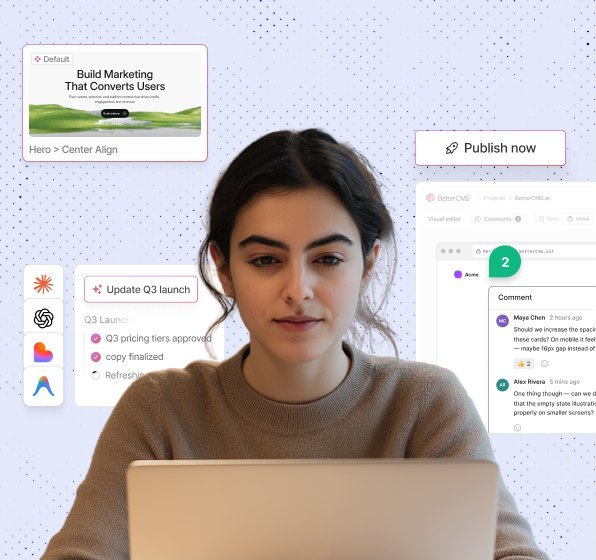
Editor working at a laptop, with a comment thread and a publish button over it

What an editorial team gets

  • Comments on a field

    Leave a thread on a heading, an image or a paragraph. Mention a colleague and resolve it when it is done.

  • Workflows and approvals

    Route a page through the stages your team already uses. Publishing stays blocked until the stage allows it.

  • Versions and compare

    Put two versions side by side with the changes marked. Restore one field or the whole page.

  • Live presence

    See who else has the page open and which field they are in. Two editors stop overwriting each other.

  • Preview before it ships

    Open the draft on a preview link and send it round. Publish when the page reads the way you want.

Your stack. Your rules. Everyone moves faster.

Build

Build experiences without slowing down your team

Create structured content and production-ready pages without waiting on developers for every update.

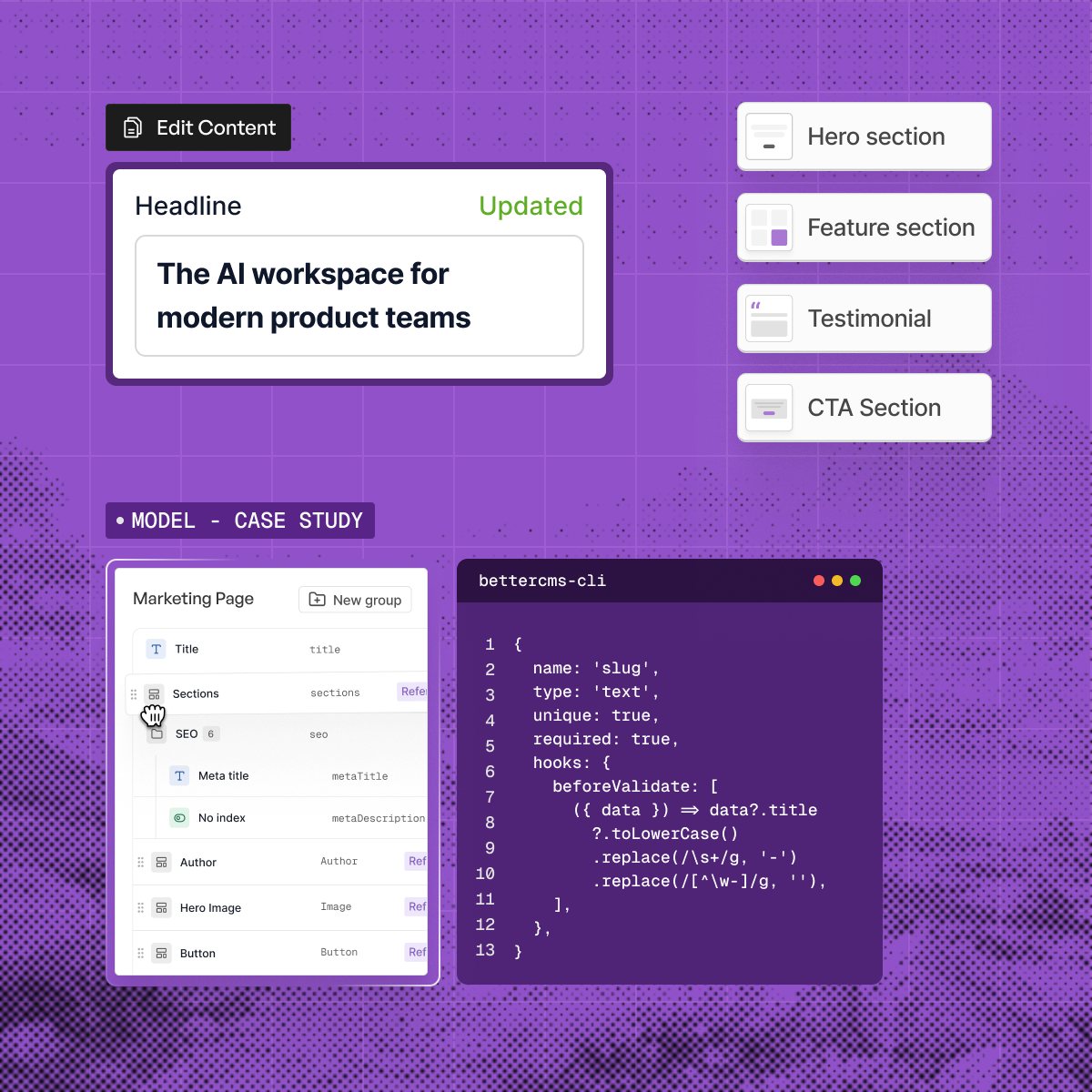
  • Build pages visually with the Visual Editor
  • Model content with flexible schemas
  • Reuse components across your site
  • Preview changes before they go live
The BetterCMS editor with a headline field updated, a section list and a content model beside a CLI window

AI Agent

Put AI to work across your content workflow

Connect your CMS to the AI tools you already use and let agents handle repetitive content work.

  • Generate content with built-in AI
  • Manage workflows through natural language
  • Connect Claude, ChatGPT, and Cursor through MCP
  • Deploy AI agents for repetitive CMS tasks
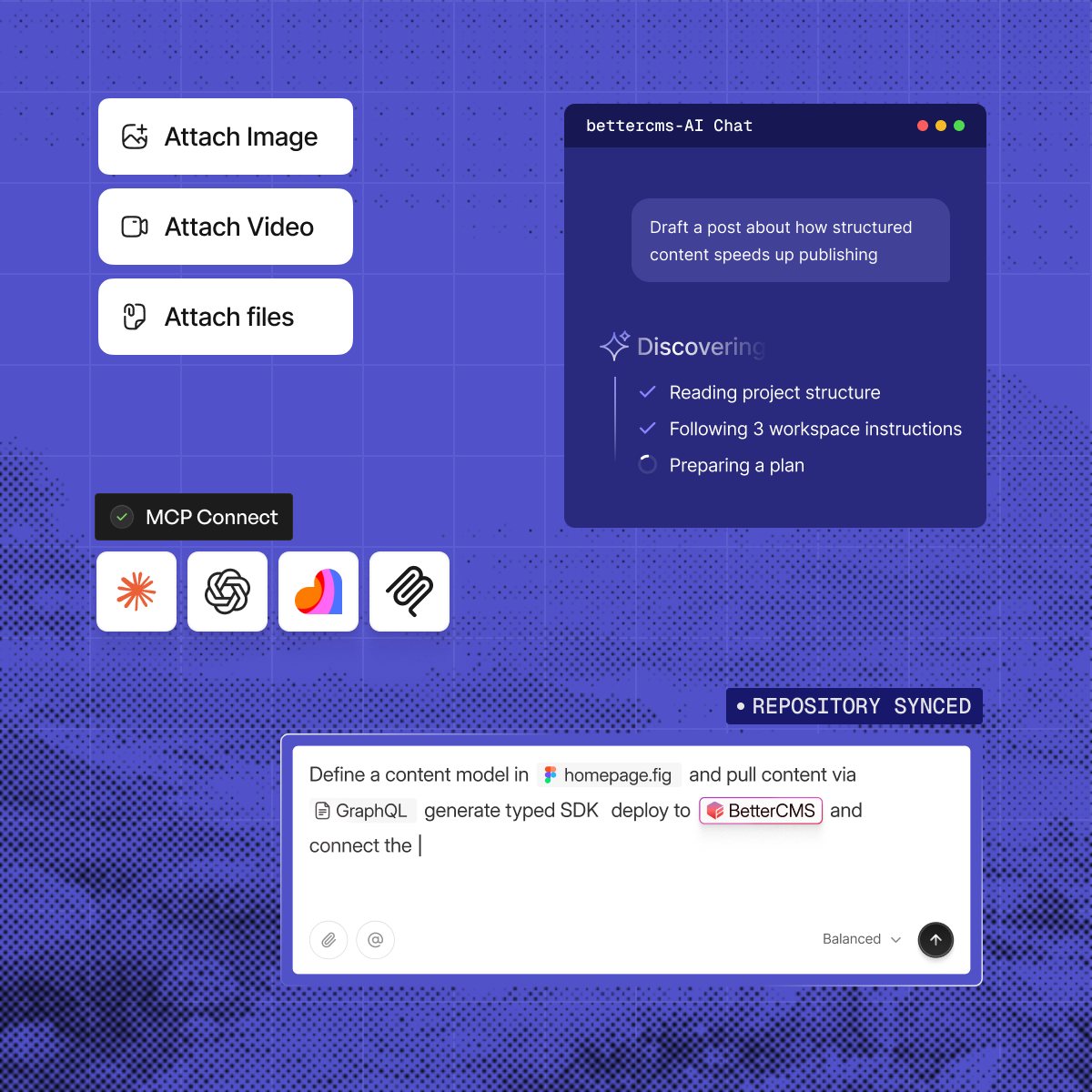
An AI chat panel reading a project and planning work, with MCP connections to four assistants

Optimize

Make every page ready for search and AI

Go beyond traditional SEO. BetterCMS gives your team the tools to make content discoverable across search.

  • Manage metadata and structured data
  • Build schema without touching code
  • Optimize content for AI search and AEO
  • Manage redirects, sitemaps, and canonicals
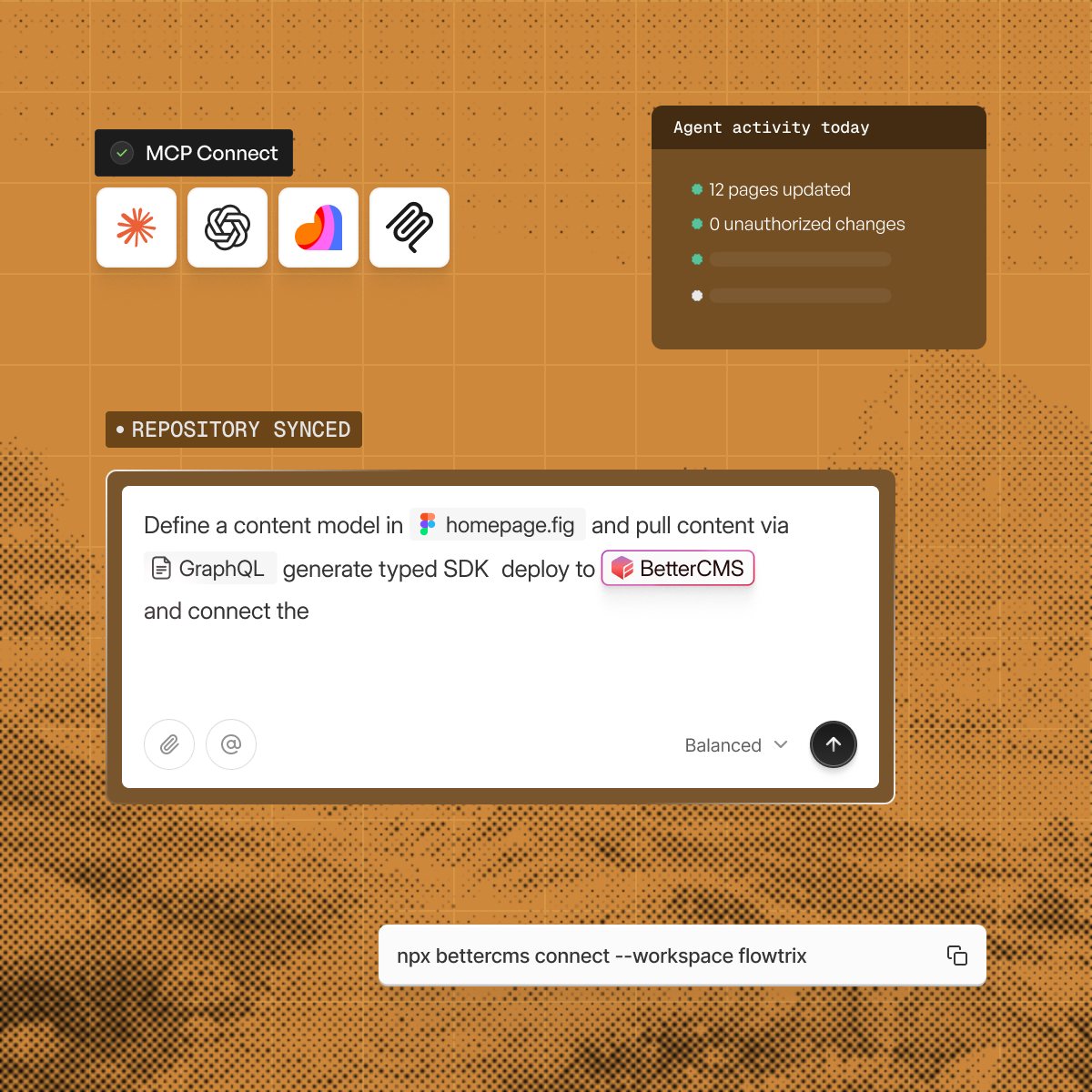
MCP connections to four assistants beside an agent activity card and a prompt that defines a content model

Scale

Ship faster as your content ecosystem grows

Give marketing and content teams the freedom to move fast while keeping developers in control of the stack.

  • Create and update pages without engineering bottlenecks
  • Manage permissions and workflows at scale
  • Connect your existing frontend and tools
  • Publish across multiple experiences from one CMS
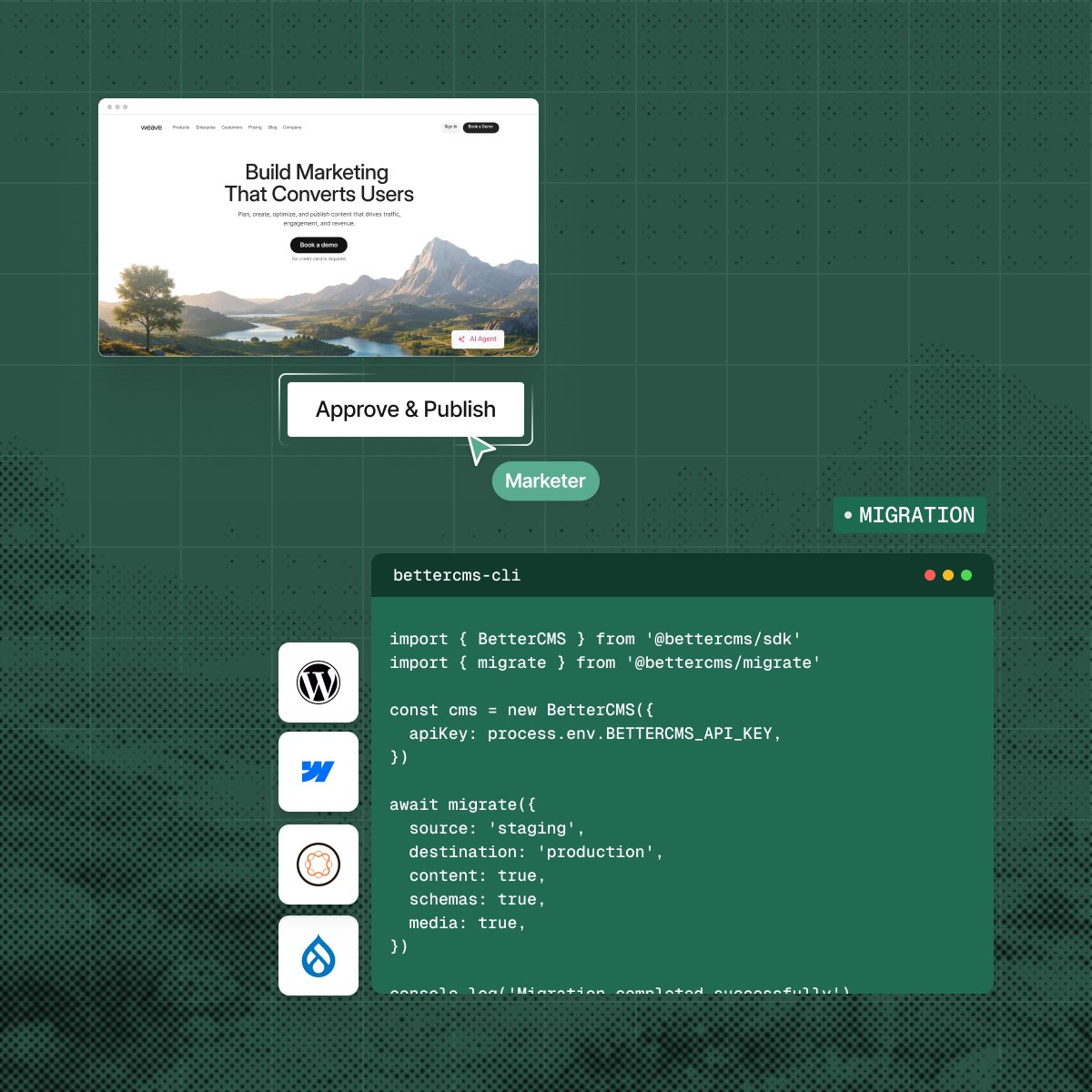
A page waiting for approval beside a migration script that moves content from staging to production

The practical questions.

What teams usually want to know before changing the way they operate their website.

  • On the page. Comments anchor to a page, a section, a field or an exact range of characters, so nobody is describing a change in a separate document.

  • Yes. Live presence shows who has the page open and what each person is looking at.

  • Yes. Put the published page beside the draft and read the words that moved. You can restore one field or roll the whole page back.

  • Only where you set one. A stage becomes the publish gate when you say it does.

See your own review flow

Book a walkthrough and bring the approval steps your team uses today.