Docs in the same CMS as your site

Your documentation lives beside your marketing pages in one workspace. Writers edit it in the editor and the CLI publishes it with the release.

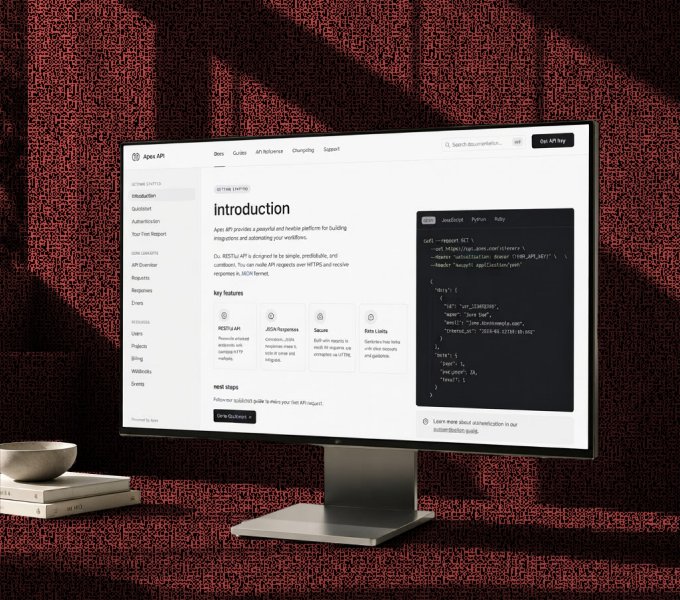
Developer documentation site shown on a monitor

What a docs site needs

  • A model for docs

    Define guides, references and release notes in the schema builder. Every page of a kind carries the same fields.

  • Markdown and llms.txt

    Each page is served as Markdown as well as HTML. llms.txt tells an assistant what your documentation covers.

  • Search across everything

    Site search reaches the docs and the rest of the site at once. Readers find the right page from wherever they started.

  • Versions and compare

    Every edit is kept and two versions sit side by side. Restore one paragraph or the whole page.

  • MCP server and CLI

    Publish docs from your terminal in the same run as the release. Point an AI assistant at the documentation over MCP.

Your stack. Your rules. Everyone moves faster.

Build

Build experiences without slowing down your team

Create structured content and production-ready pages without waiting on developers for every update.

  • Build pages visually with the Visual Editor
  • Model content with flexible schemas
  • Reuse components across your site
  • Preview changes before they go live
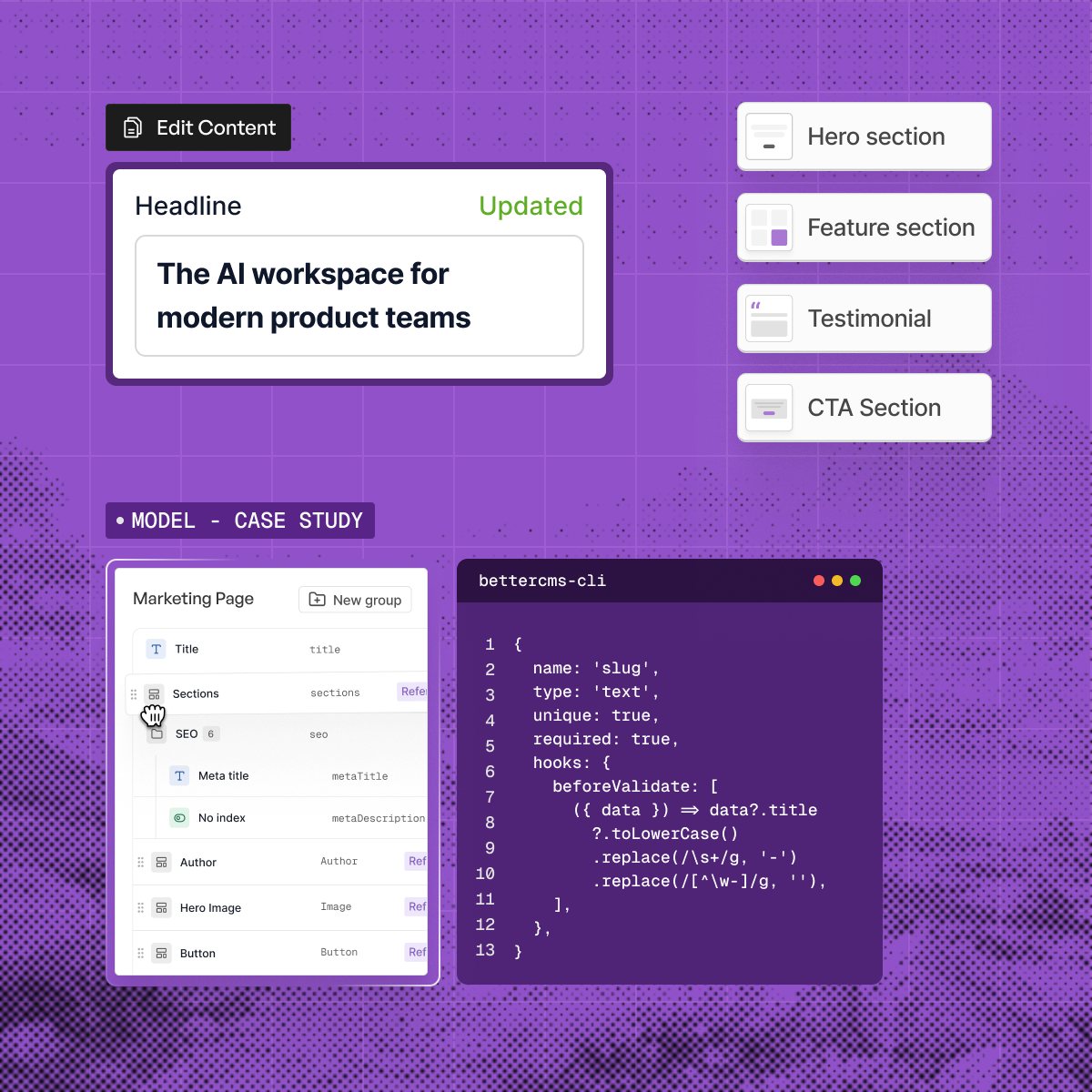
The BetterCMS editor with a headline field updated, a section list and a content model beside a CLI window

AI Agent

Put AI to work across your content workflow

Connect your CMS to the AI tools you already use and let agents handle repetitive content work.

  • Generate content with built-in AI
  • Manage workflows through natural language
  • Connect Claude, ChatGPT, and Cursor through MCP
  • Deploy AI agents for repetitive CMS tasks
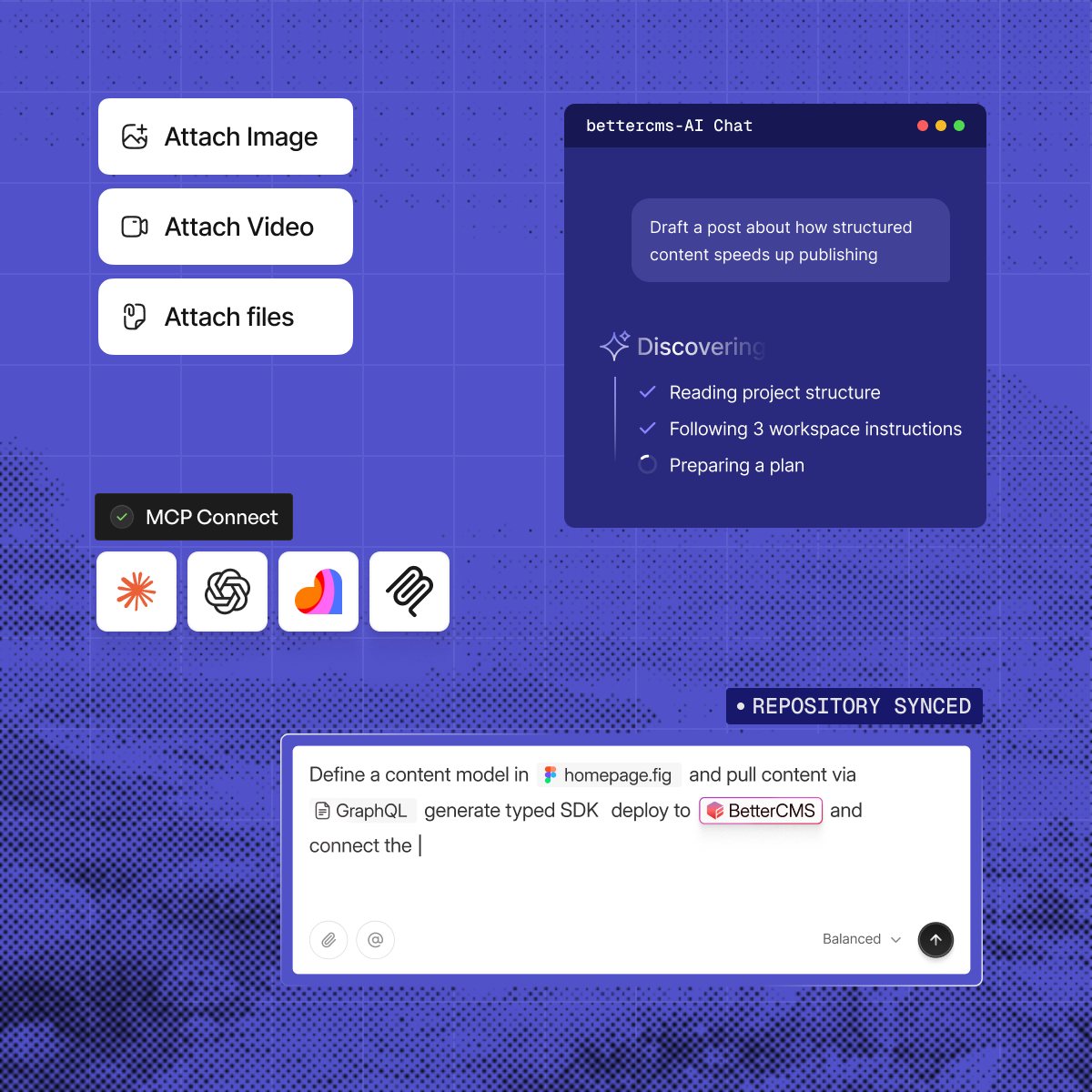
An AI chat panel reading a project and planning work, with MCP connections to four assistants

Optimize

Make every page ready for search and AI

Go beyond traditional SEO. BetterCMS gives your team the tools to make content discoverable across search.

  • Manage metadata and structured data
  • Build schema without touching code
  • Optimize content for AI search and AEO
  • Manage redirects, sitemaps, and canonicals
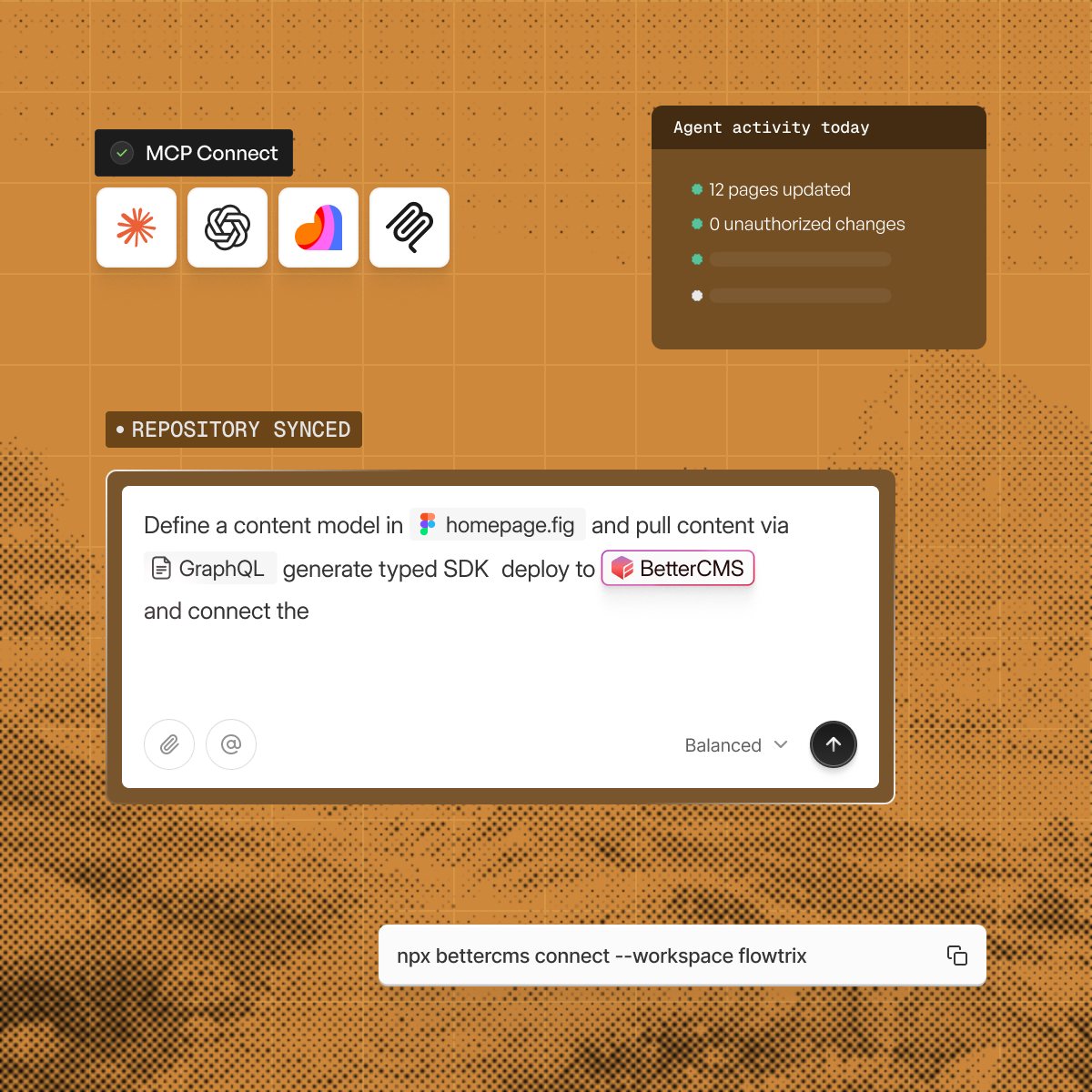
MCP connections to four assistants beside an agent activity card and a prompt that defines a content model

Scale

Ship faster as your content ecosystem grows

Give marketing and content teams the freedom to move fast while keeping developers in control of the stack.

  • Create and update pages without engineering bottlenecks
  • Manage permissions and workflows at scale
  • Connect your existing frontend and tools
  • Publish across multiple experiences from one CMS
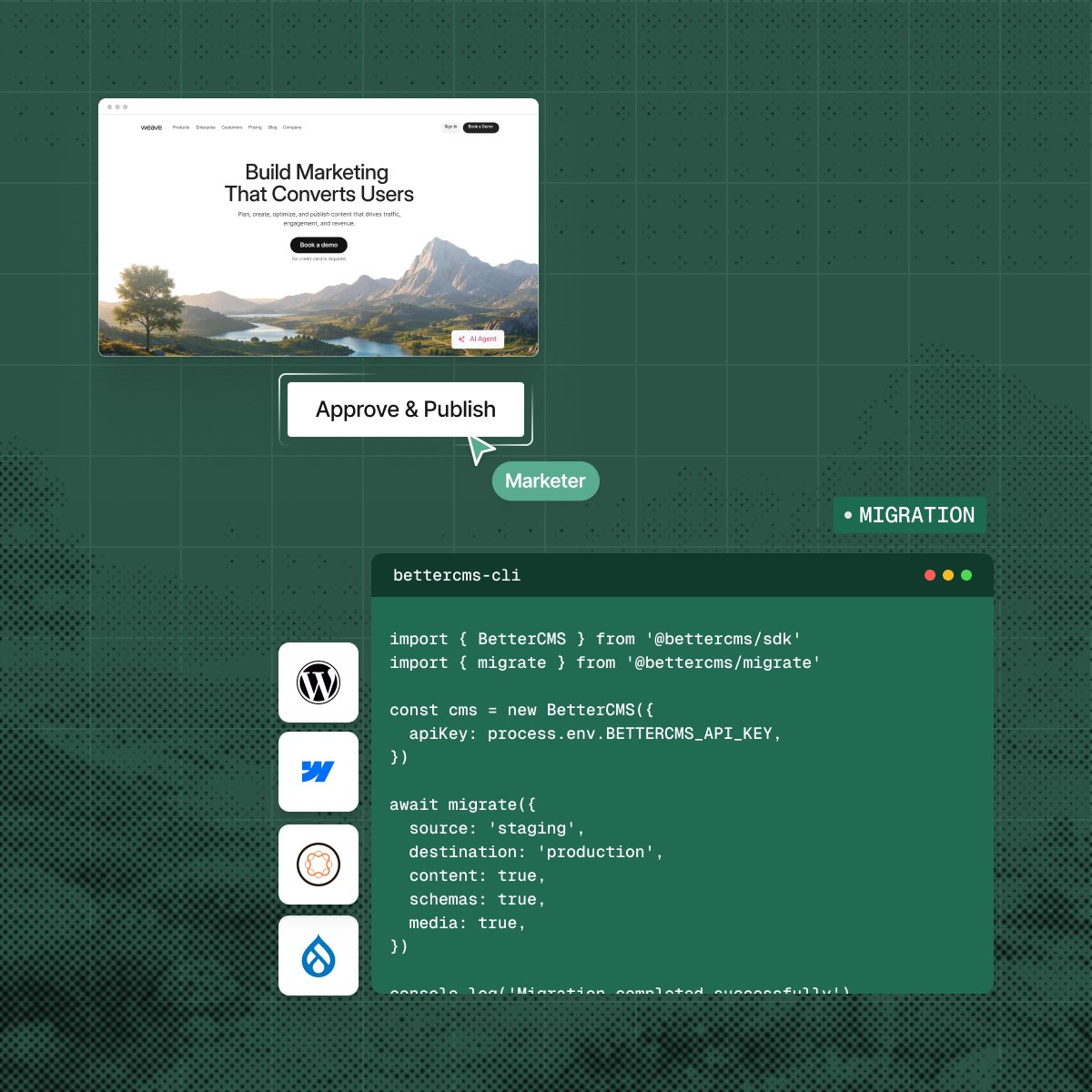
A page waiting for approval beside a migration script that moves content from staging to production

The practical questions.

What teams usually want to know before changing the way they operate their website.

  • BetterCMS is headless by default and serves content over an API to any framework. It also ships a page builder, so teams that want one tool can stay in it.

  • The Migrator API maps an existing schema onto BetterCMS collections and brings entries and assets with it. WordPress, Contentful, and Sanity are covered.

  • Yes. Free includes one locale, Starter two and Pro five, and an extra locale is $8 a month per website. Translate inside the editor and publish each locale on its own schedule from the same content model.

  • There is no cap. Build models in the schema builder with your own fields, relationships, and validation rules, and change them without a migration.

  • The media library stores and organizes every asset. Images are resized, compressed, and served from a CDN, so you upload once and use the file anywhere.

  • Yes. Editors work side by side with live cursors, comments, and field locking, and every version is kept for your plan history window, 7 days on Free, 90 on Starter and 365 on Pro, so you can roll back to an earlier draft.

  • Set custom roles down to the field. Decide who can edit, who has to approve, and who is allowed to publish, then apply the same rules to your agents.

  • Content is encrypted at rest and in transit, backed up automatically, and every change is written to an audit log you can read.

Move your docs into one place

Book a technical walkthrough and bring the docs site you run today.